Connect Superspace to HostFact
Domain Plugin
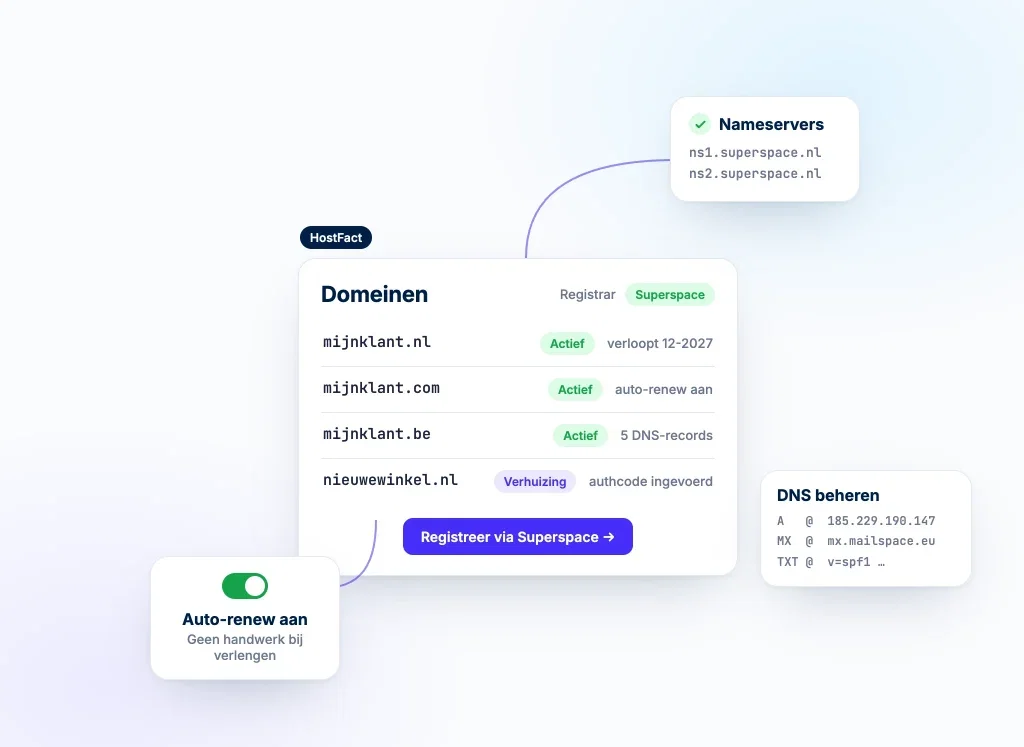
Manage your domains directly in HostFact: check status, register, transfer, cancel, manage nameservers, auto-renew, and edit DNS records.
Here's how to connect it:
- Unzip the file and create the folder Superspace in Pro/3rdparty/domain/.
- Go to Settings → Domain → Registrars → Superspace.
- Username: https://control.superspace.nl:<Werkruimte-ID>. Password: you API Key.
Hosting Plugin
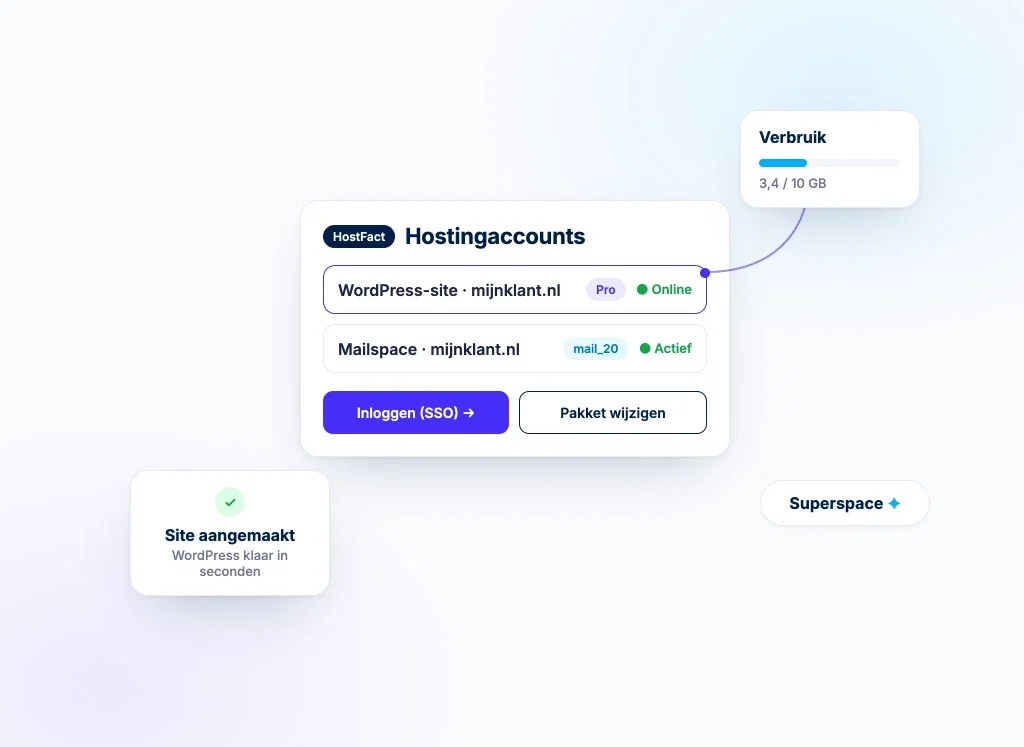
Manage your hosting through HostFact: WordPress sites, cPanel packages, and Mailspace. Create accounts, switch packages, delete accounts, link domains, view usage, and log in with a single click. You can also manage the DNS zone for a hosting domain there.
Here's how to connect it:
- Unzip the file and create the folder SuperspaceHosting in Pro/3rdparty/hosting/.
- Go to Settings → Hosting → Servers → Superspace.
- Control Panel URL: https://control.superspace.nl. Port: 443. Username: you Workspace ID. Password: you API Key.
Switch Providers
Are you still using the old integration in HostFact?
Your domains and hosting are already with Superspace; HostFact just doesn't know it yet. The migration guide explains how to add the new registrar and server and transfer your existing services—either manually or all at once using our migration script.
Where can I find my information?
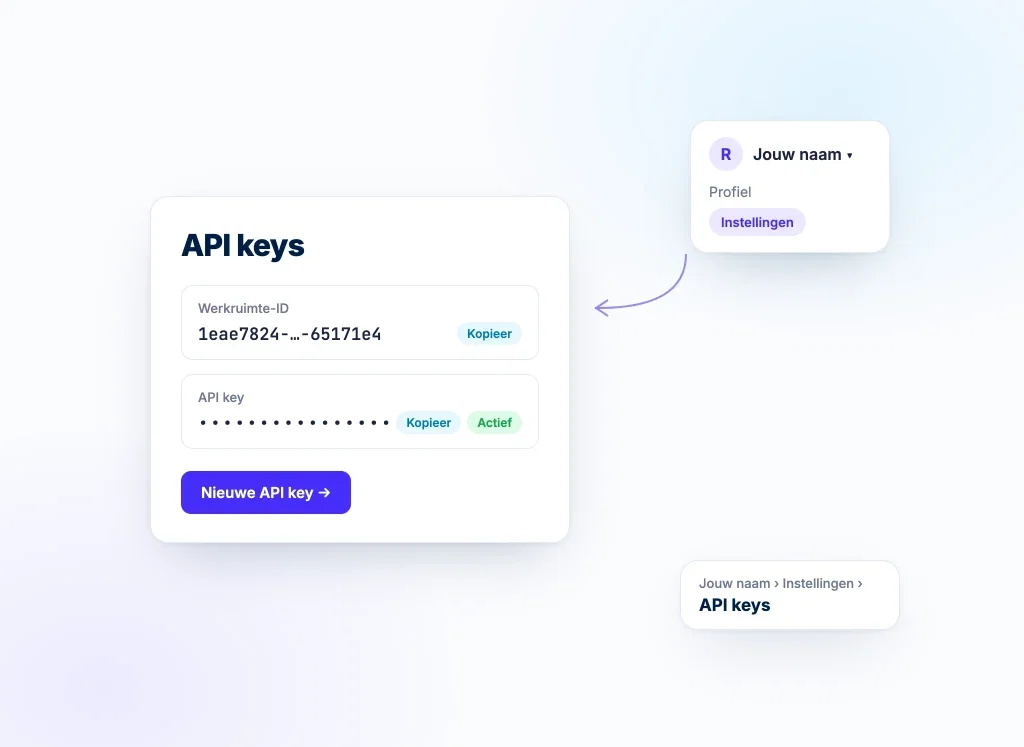
You Workspace ID and API Key are located in the entrance hall:
- Log in to control.superspace.nl (or your own control panel URL).
- Click in the upper-right corner next to your name.
- Go to Settings → API Keys.
- That's where you'll find your Workspace ID and API Key.
Good to Know
- Creating a new hosting account or switching plans will be charged immediately to your Superspace account.
- If a domain's DNS is hosted by Superspace, the plugin will immediately link the domain to Mailspace. If the DNS is hosted elsewhere, HostFact will show you which TXT record you still need to add.
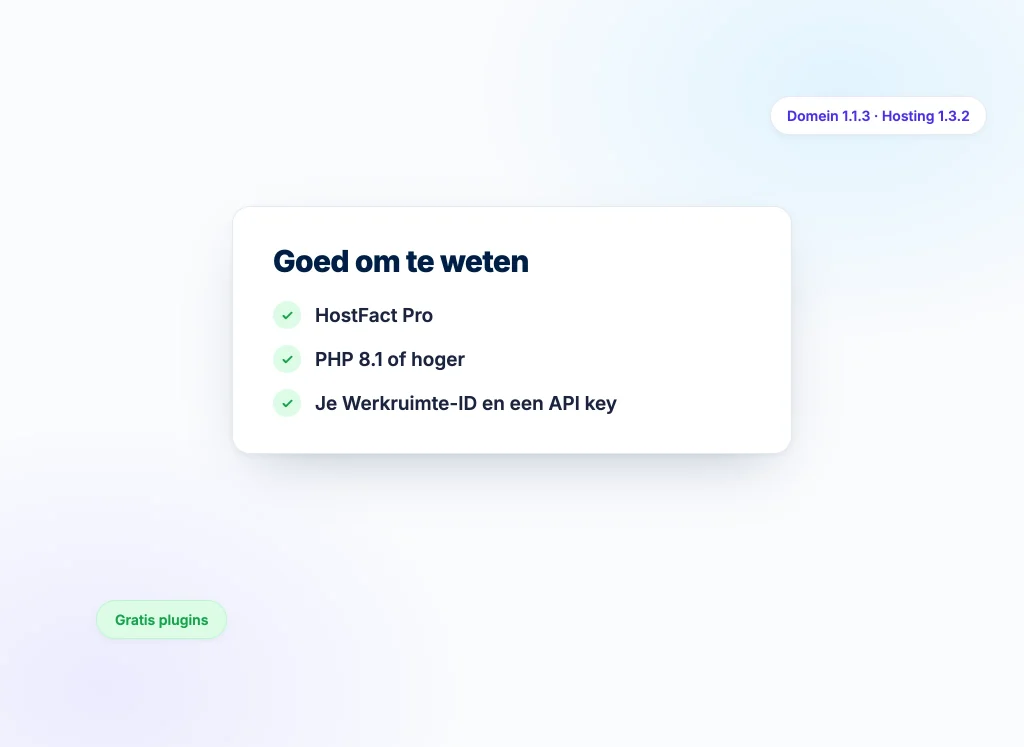
- Works with HostFact Pro and PHP 8.1 or later.
This is what customers say about Superspace
Our Partner Program for Ambitious Agencies
- Discounts of up to 60% on hosting and email
- Discounts on domain names, too
- Whitelabel: provide hosting under your own brand
- Priority support; available in the evenings and on weekends as well
- Co-marketing
Frequently Asked Questions
Nothing. Both plugins are free. You only pay for your domains and hosting with Superspace, just like always.
HostFact Pro. The domain and hosting integrations are included in the Pro version.
In the portal: log in to control.superspace.nl, click your name in the upper-right corner, and go to Settings → API keys.
Yes, starting with version 1.2.0 of the hosting plugin. Enter your main workspace as the Workspace ID. New sites will be created there, and existing sites in all workspaces below it will appear under Import Accounts and you can easily manage them: change your plan, manage domains, log in, and delete them.
For domains, this has also been working since version 1.1.4 of the domain plugin: you can simply sync and manage domains in workspaces under your main workspace directly from HostFact.

Always annually. HostFact bills for these packages on an annual basis, so the integration also orders an annual subscription from Superspace. You don't need to include anything in the package name. If it does say annually or monthly in the name, the link ignores that word and recognizes only the plan name (lite/basic/pro/max).
For cPanel and Mailspace, a package is named after the product: cpanel_basic, mail_20 and so on. HostFact retrieves those names itself via Pick Up Packages.
Yes, starting with version 1.1.0 of the domain plugin and 1.3.0 of the hosting plugin. You can view a domain’s DNS records in HostFact and add, edit, or delete them there. If a zone doesn’t exist yet, the plugin will create it as soon as you save your changes. Records managed by Superspace itself, such as those in a pull zone, remain unchanged.
The domain plugin manages your domains (registration, transfer, management) and their DNS. The hosting plugin manages your hosting: WordPress sites, cPanel packages, and Mailspace, with single sign-on. You can use them separately or together.
Support from superheroes
Having trouble with your hosting? Is your website under attack? Or do you need help moving your site? The superheroes at Superspace are just a phone call, chat, or email away. We’ll spring into action right away and are always here for you.